Free · Windows & Mac
Every VRFS match, in 3D.

Paste a replay code and watch the whole game back — real items, real maps, any camera you want.
Unzip and play · How to install
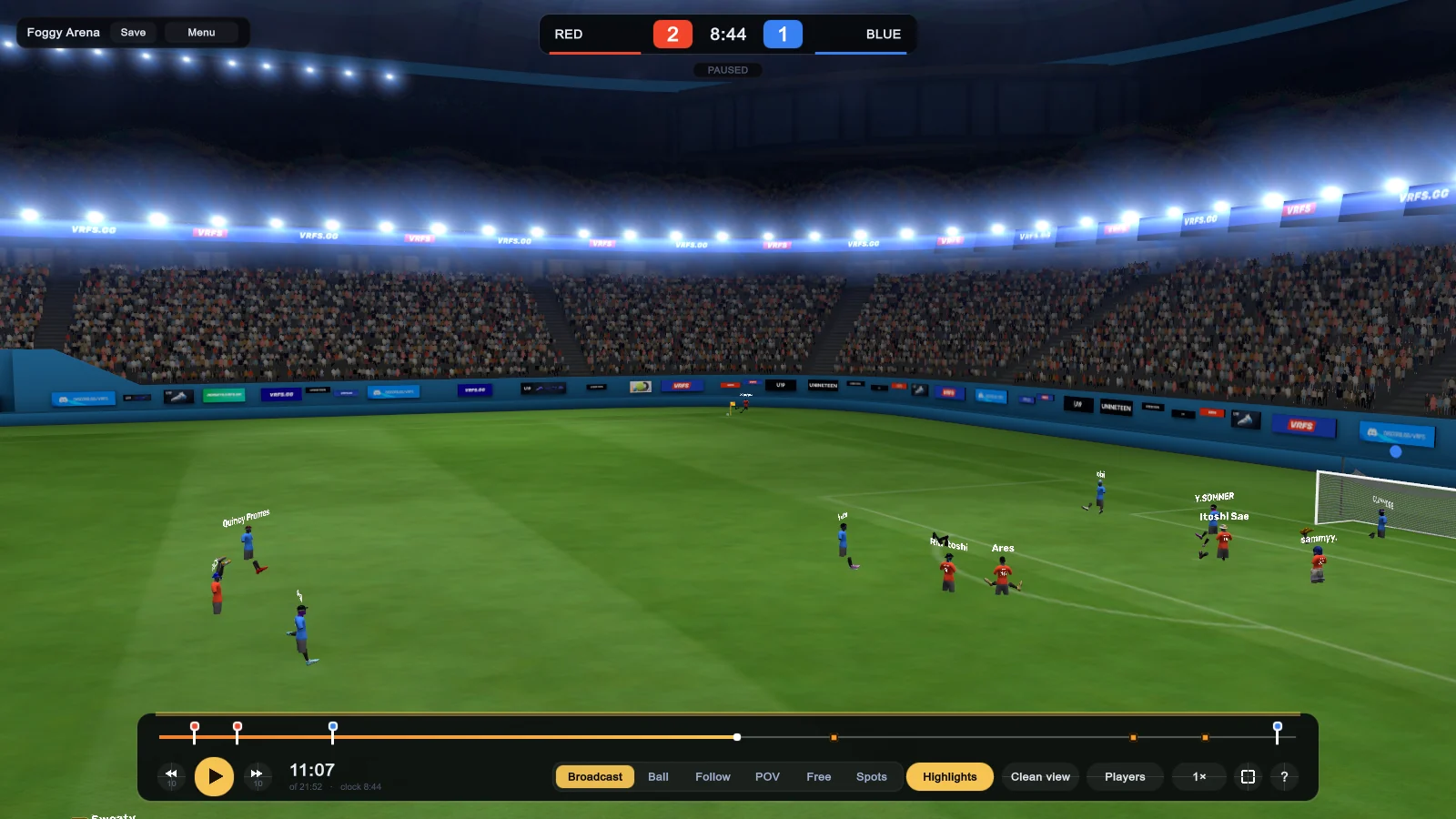
The Replay Viewer showing a VRFS match in Foggy Arena from the broadcast camera, with the scoreboard and timeline
Features

It looks like the game. Because it's built from it.

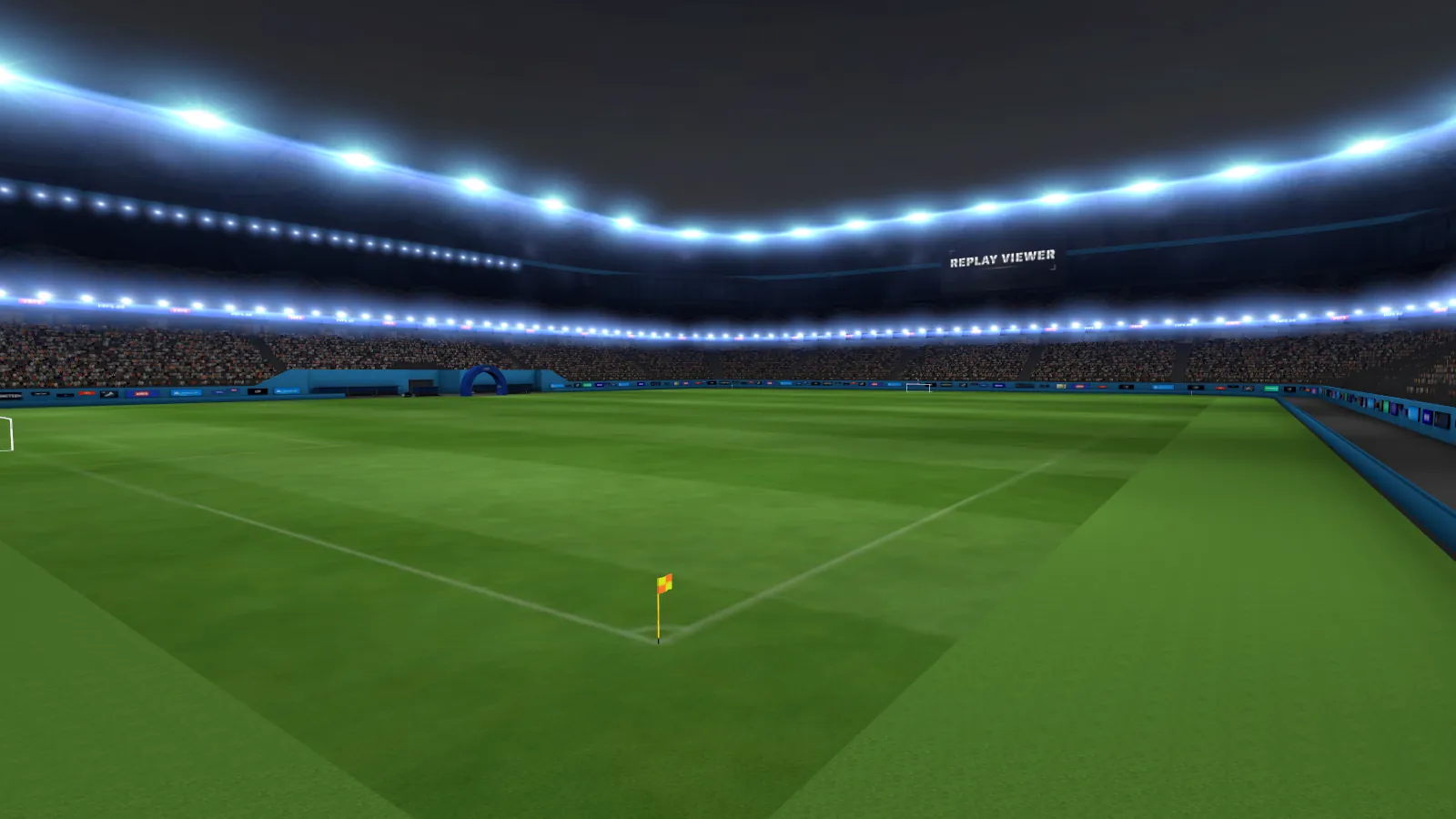
Foggy Arena at night with floodlights

The real maps, really lit

The big stadiums use the game's own lighting, sky and shaders — they look like VRFS, not a copy.
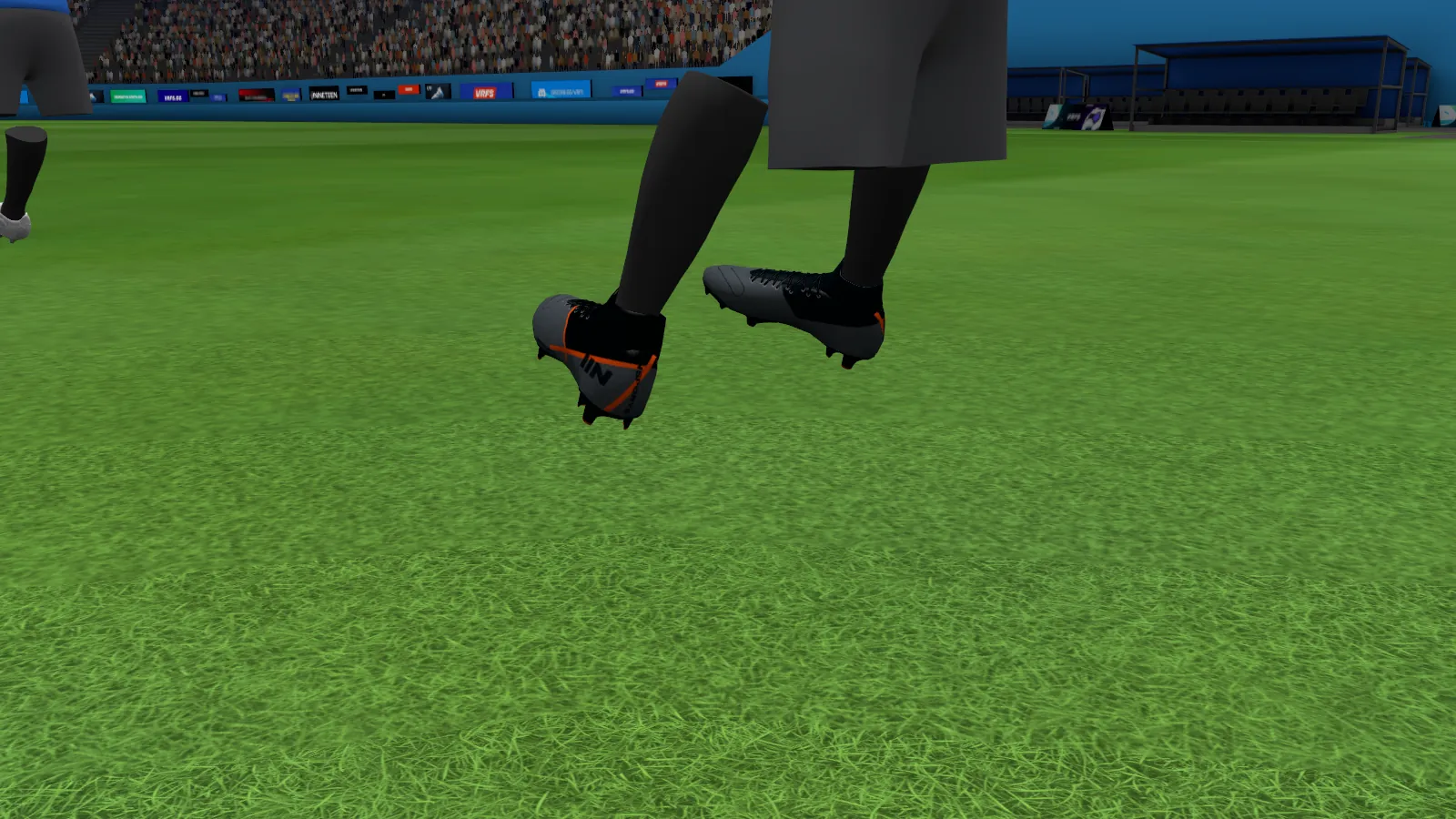
Close-up of a player's boots

Everyone's real items

Boots, gloves, hats — down to the stitching.
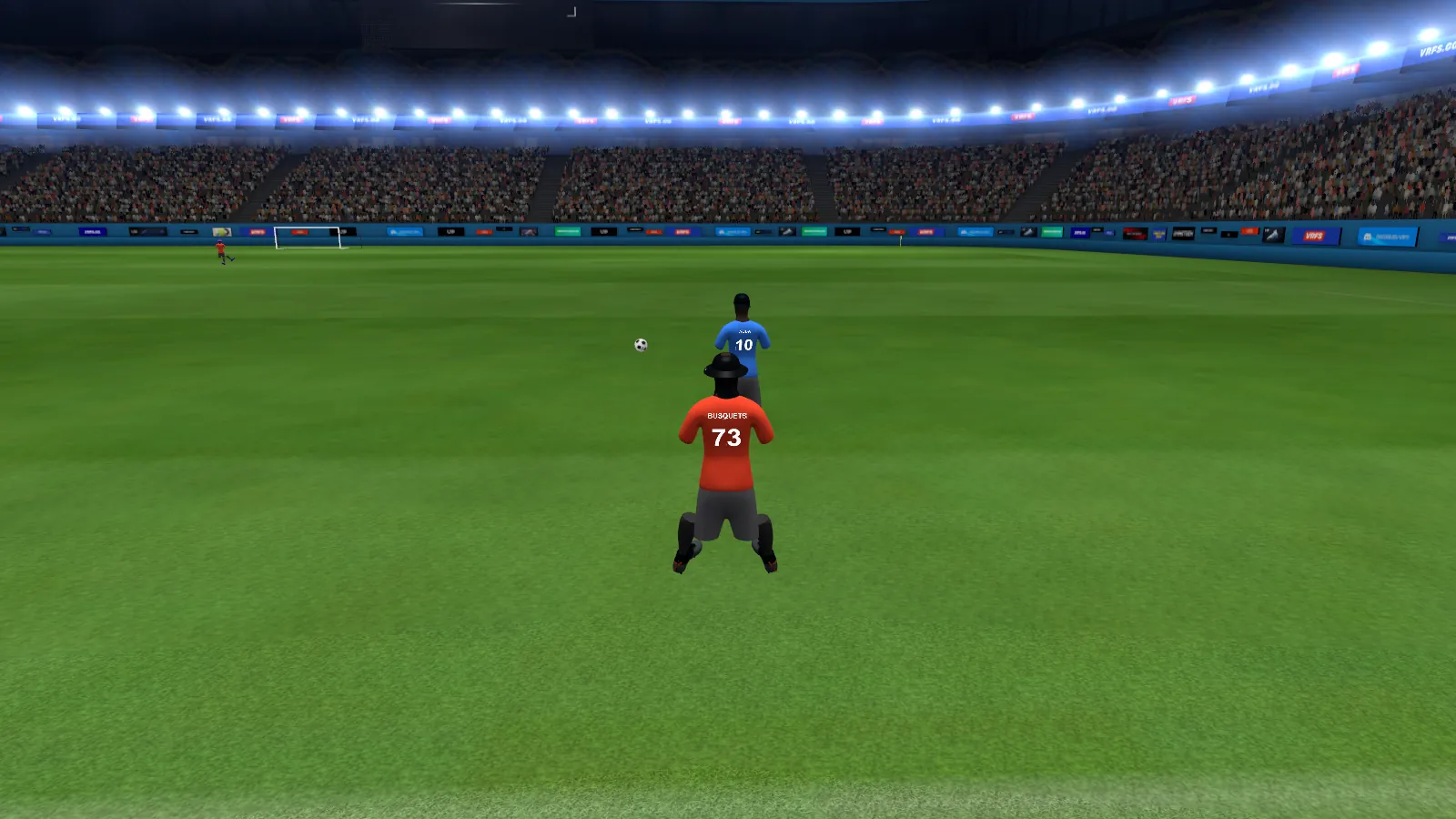
Follow camera behind a player

Six cameras

Broadcast, ball, follow, POV, free and spots.
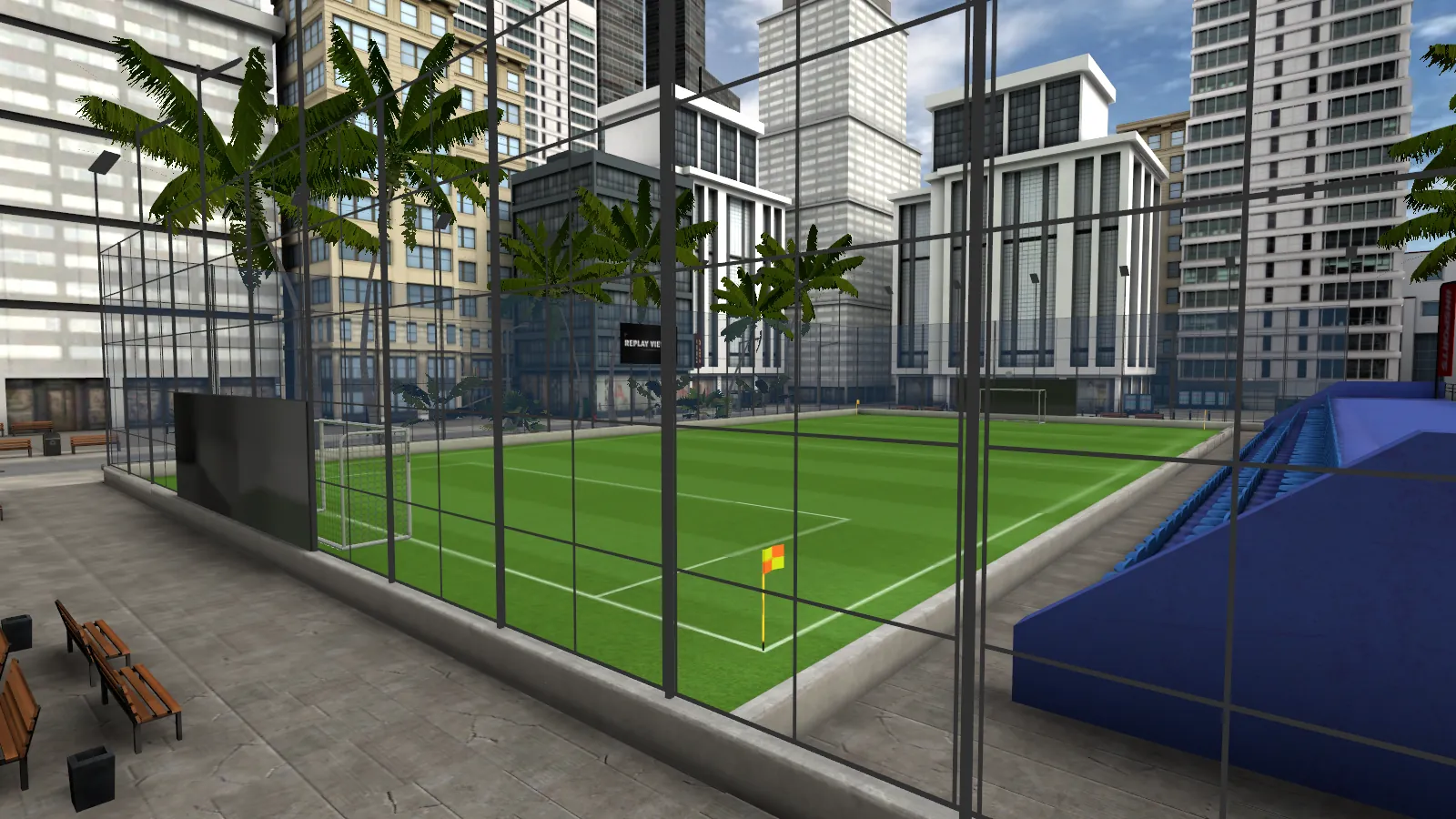
Batumi street pitch with palm trees and city buildings

Players move exactly like in VRFS

Every head, leg and foot from the recording, with smooth slow motion and the game's own goal nets.

Whole matchesJoin up to 3 replays into one timeline.
Slow-moFrom 0.125× to 8×, smooth all the way.
Goals markedClick a dot on the timeline to jump in.
FavouritesSave, rename and reopen your replays.
Install

Two minutes. No installer.

  1. Download and unzip

    Right-click VRFS-Replay-Viewer.zip → Extract All.
  2. Open it

    Double-click VRFSReplay.exe.
    "Windows protected your PC"? Click More info → Run anyway.
  3. Paste a code, press Watch

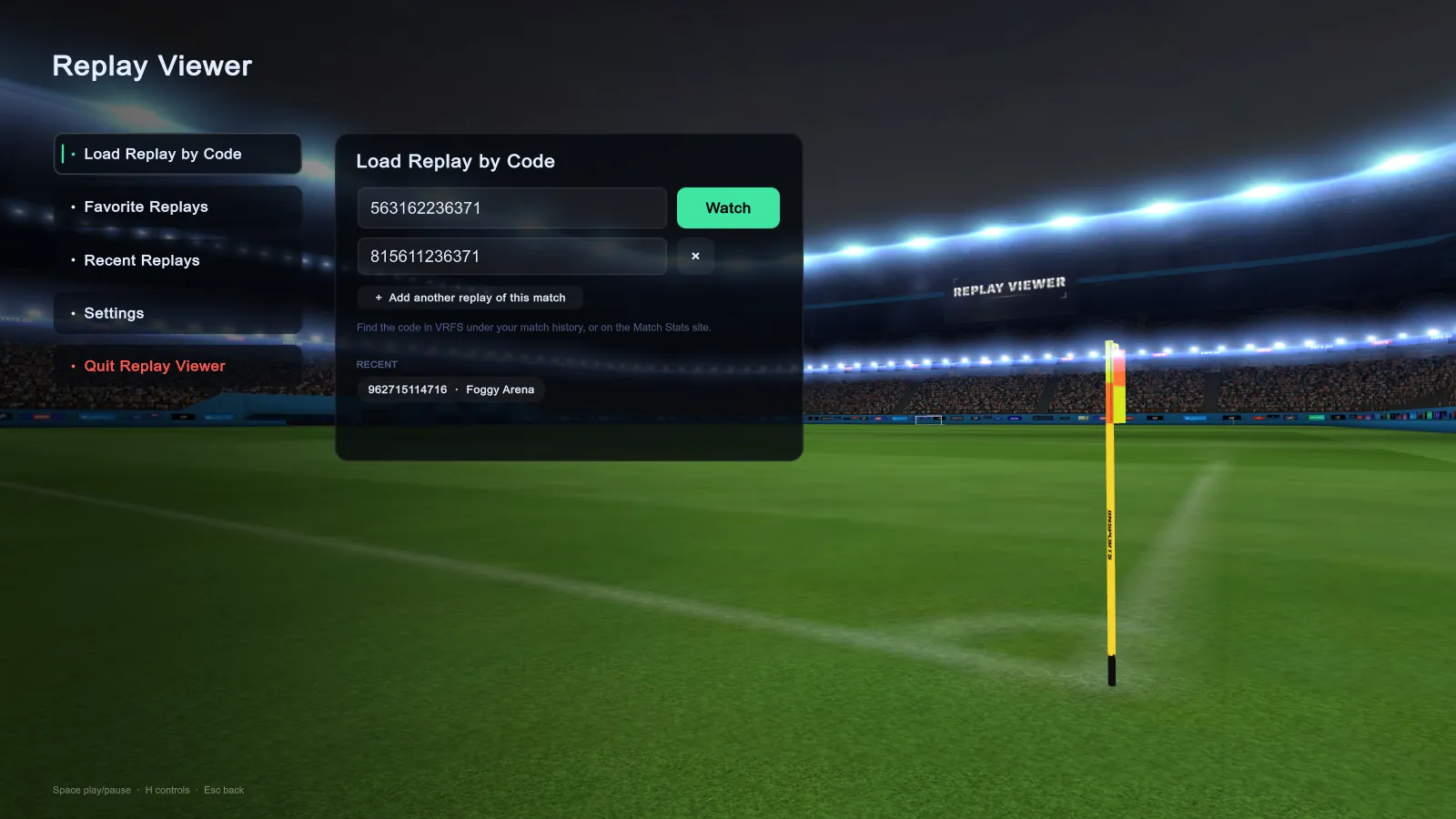
    Find codes in VRFS under your match history, or on the Match Stats site.
The Replay Viewer's menu with replay codes entered
Controls

The keys you'll use

Everything is on the buttons too — press H in the viewer for the full list.

SpacePlay / pause
←→Back / forward 5 s
+−Faster / slower
RBroadcast camera
BBall camera
FVFollow / POV a player
GFree camera  · WASD to fly
TabPNext player / player list
CClean view  · for clips
Help

Something not working?

Windows or my antivirus blocked it

Click More info → Run anyway. Free programs that aren't from a big company often get this warning at first.

My Mac won't open it, or says it "is damaged"

Right-click the app → Open → Open, or System Settings → Privacy & Security → Open Anyway. If it says "damaged", run xattr -cr "/Applications/VRFS Replay Viewer.app" in Terminal once.

A replay code doesn't load

VRFS archives older replays after a while, so they can't be opened any more. Only the numbers in the code matter.

Someone is wearing default items

Items download while the replay loads, so you need internet. Brand-new items show as default until they're added.

How do I update?

Download the newest version here and replace the old one. Your favourites and recent replays are kept.

Watch your next game properly.